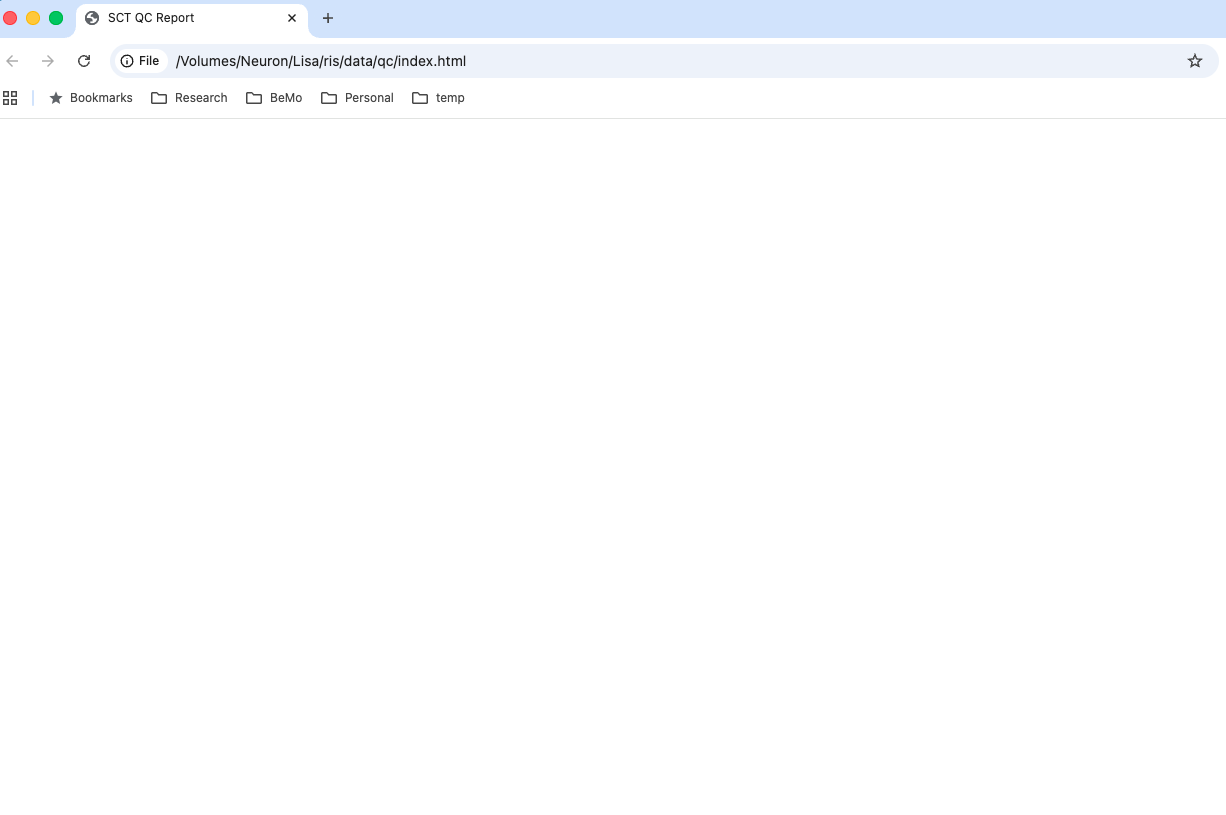
Hello SCT team!
Strangely, I’m unable to open the QC report (index.html) (see attached screenshot). I’m confident that the QC report was generated properly as I was QC’ing yesterday using the same index.html. I checked that the internet connection was good, and tried restarting the computer and the hard drive. I see that the …/qc/data has the QC results for all subjects as expected. I’m confused why index.html showed up as a blank page suddenly. What else can I try?
Thanks!
Lisa
Dear @lisaeylee:
Is the QC report large with many subjects? If so, it may be related to this bug that we have previously identified: Blank page when opening QC report with many rows · Issue #5083 · spinalcordtoolbox/spinalcordtoolbox · GitHub
We’ve identified the root cause of the issues and fixed it in the QC html: Fix performance issues for large reports by elhil · Pull Request #32 · spinalcordtoolbox/report-ui · GitHub
The fix will be included in the next release of SCT, which is planned within the next week. However, I think there is a way for us to give you the relevant files so that you can update your existing QC report (without needing to wait for the release, reinstall SCT, then re-run processing).
I’ll try to look into this, then report back shortly. Thank you for your patience, and apologies for the inconvenience. 
Kindly,
Joshua
Thank you for your prompt response (I’m impressed every time)!
The default browser is Chrome on my computer, and have been QC’ing here yesterday and many times before that. Today, it seems like the QC report won’t load on Chrome, but I was able to get it to load on Safari.
This issue is no longer urgent, but it’d be helpful to know how I can open the QC report on Chrome again moving forward.
Thanks!
Lisa
1 Like
My apologies for the late reply!
The issue has been fixed, and the updated QC report files are now present in v7.3.
To update any existing QC reports to this newest version, you just need to:
- Back up your existing QC progress (if there is any) by clicking on the “Save All” button
- Download the newest QC report
index.html file: (Right click, save link as…)
- Replace the existing
index.html file in your QC report.
- Refresh in your browser.
- If necessary, restore your QC progress using the ‘Upload All’ button.
Hope this helps!
Kind regards,
Joshua